How to Choose a Mobile Phone for Multitasking: Your Complete Guide
In today’s fast-paced digital world, our smartphones have become the ultimate productivity tools. Whether you’re juggling work emails while streaming music, switching between social media apps and video calls, or running multiple games simultaneously, your phone needs to keep up with your demanding lifestyle. Choosing the right mobile phone for multitasking isn’t just about picking the most expensive model – it’s about understanding which features truly matter for seamless performance.
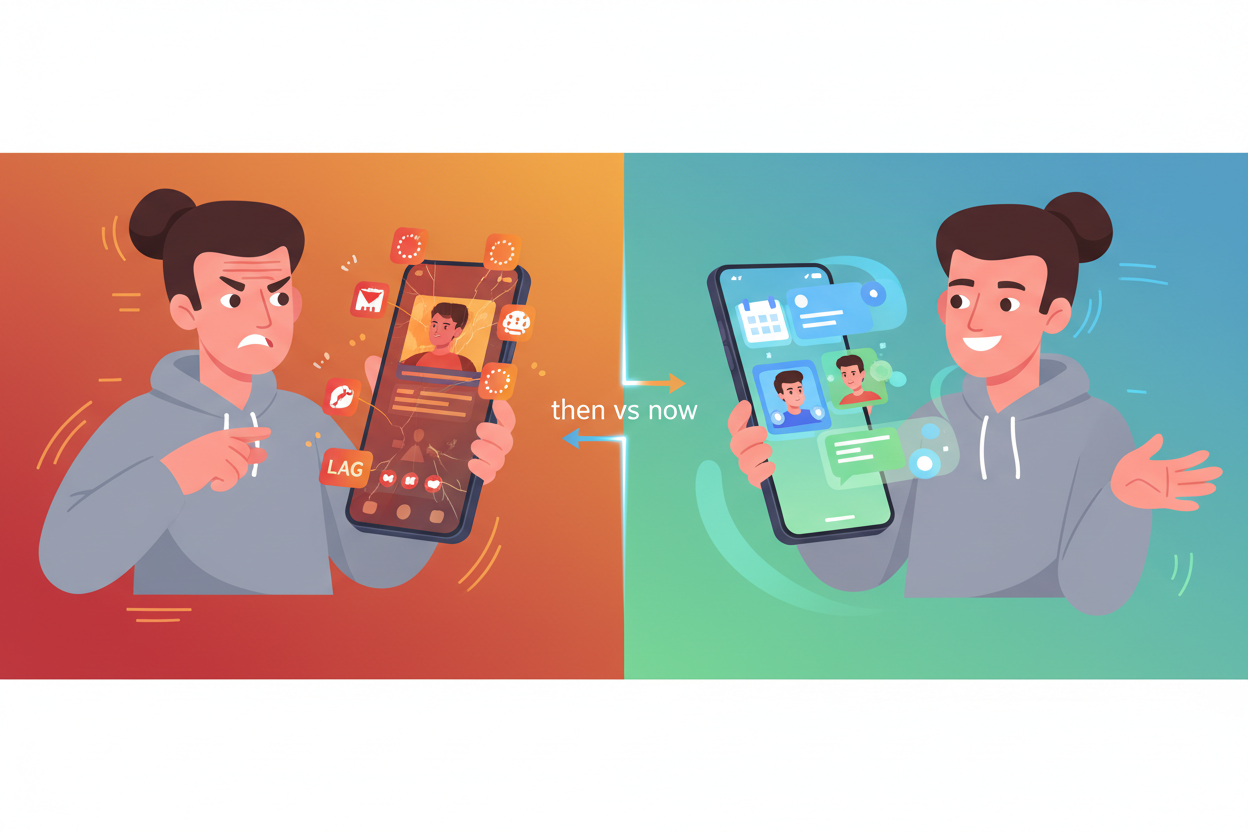
I remember the frustration of my old phone freezing every time I tried to switch from a video call to check my calendar. Those days of watching apps reload constantly or dealing with sluggish performance are behind us, but only if you know what to look for. Let me walk you through everything you need to consider when selecting a multitasking powerhouse that won’t let you down.
Understanding What Multitasking Really Means on Mobile Devices
Before diving into specifications, it’s crucial to understand how mobile multitasking actually works. Unlike desktop computers that can run multiple programs simultaneously in separate windows, smartphones use a more sophisticated approach. Modern mobile operating systems manage background processes, app switching, and memory allocation to create the illusion of seamless multitasking.
When you switch between apps, your phone doesn’t necessarily close the previous application. Instead, it keeps frequently used apps in memory, ready to resume exactly where you left off. This is why some phones excel at keeping dozens of apps active in the background, while others struggle to maintain just a few without reloading.
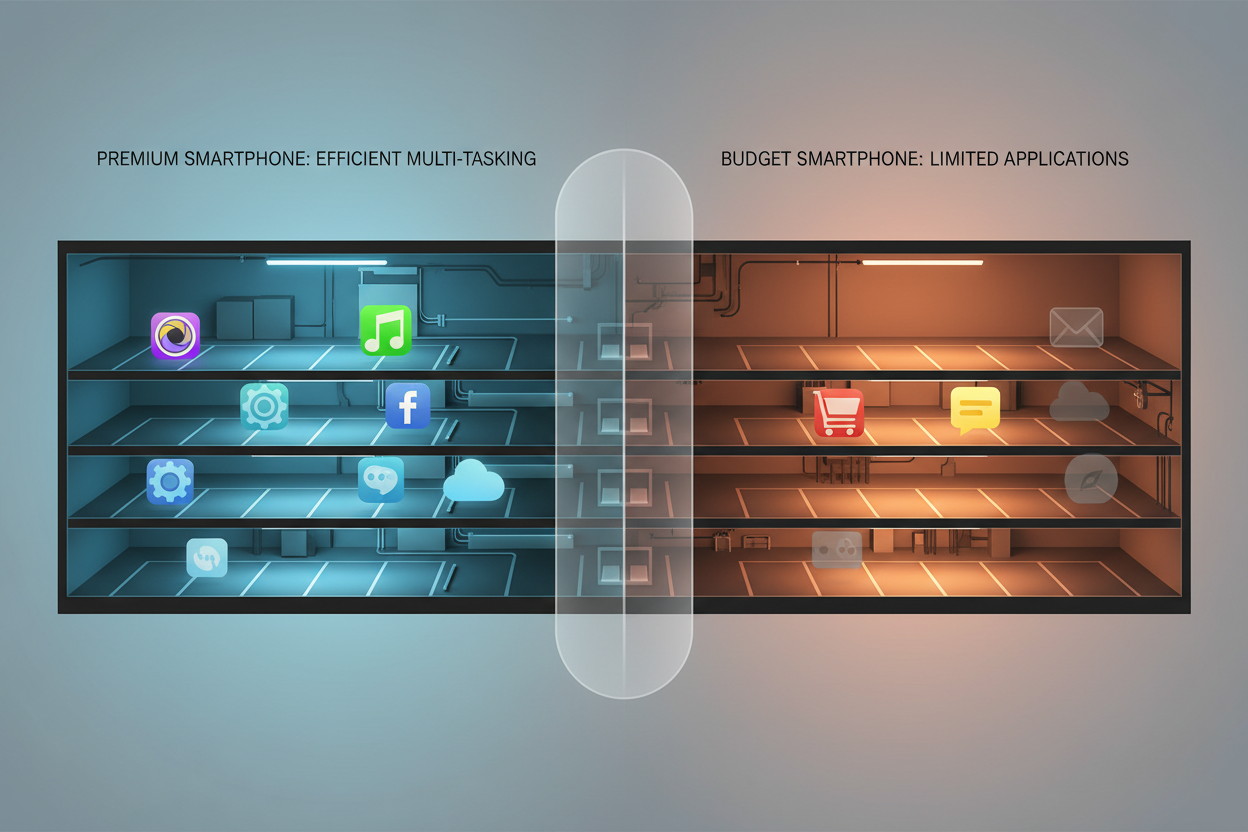
The key is finding a device that can handle your specific multitasking needs without compromising performance, battery life, or user experience.
RAM: The Foundation of Smooth Multitasking Performance
Random Access Memory, or RAM, is arguably the most critical component for multitasking performance. Think of RAM as your phone’s workspace – the larger the workspace, the more projects you can have spread out simultaneously without having to constantly pack things away.
For basic multitasking needs like switching between messaging apps, social media, and light browsing, 6GB of RAM is generally sufficient. However, if you’re someone who keeps multiple productivity apps running, streams content while working, or enjoys mobile gaming, you’ll want to aim for 8GB or more.
Power users who frequently work with video editing apps, run virtual machines, or maintain dozens of active browser tabs should consider devices with 12GB or even 16GB of RAM. While this might seem excessive, having extra RAM ensures your phone remains responsive even under heavy workloads.
Don’t just focus on the amount of RAM, though. The type and speed matter too. LPDDR5 RAM offers better performance and efficiency compared to older LPDDR4X, resulting in faster app launches and smoother transitions between tasks.
Processor Power: The Engine Behind Seamless App Switching
Your phone’s processor, or System-on-Chip (SoC), acts as the brain coordinating all multitasking activities. A powerful processor ensures that switching between apps feels instantaneous and that background tasks don’t interfere with your current activity.
Look for processors with multiple high-performance cores and efficient architecture. Current flagship chipsets like the Snapdragon 8 Gen 2, Apple’s A16 Bionic, or Google’s Tensor G2 are specifically designed to handle complex multitasking scenarios with ease.
The processor’s efficiency cores are particularly important for multitasking. These cores handle background processes and less demanding tasks, allowing the performance cores to focus on your active applications. This smart distribution of workload results in better overall performance and improved battery life.
Pay attention to benchmark scores, but remember that real-world performance often differs from synthetic tests. Reading user reviews and professional evaluations can provide better insights into how a processor handles actual multitasking scenarios.
Operating System Optimization: iOS vs Android for Multitasking
The choice between iOS and Android significantly impacts your multitasking experience, and both platforms have their strengths and weaknesses.
iOS traditionally excels at memory management, often delivering smooth performance with less RAM than Android devices. Apple’s tight integration between hardware and software allows for highly optimized multitasking, though it can be more restrictive in terms of true background processing. The App Switcher interface is intuitive, and features like Picture-in-Picture mode enhance productivity.
Android offers more flexibility and true multitasking capabilities. You can run multiple apps simultaneously using split-screen mode, floating windows, and various productivity features. However, this flexibility sometimes comes at the cost of efficiency, requiring more RAM and processing power to maintain smooth performance.
Consider your workflow preferences when choosing. If you value simplicity and optimized performance, iOS might be ideal. If you need extensive customization and true multitasking capabilities, Android could be the better choice.
Display Features That Enhance Multitasking Experience
Your phone’s display plays a crucial role in multitasking efficiency. A larger screen naturally provides more space for split-screen applications and better visibility when switching between tasks.
Screen size matters, but so does resolution and aspect ratio. Phones with 6.5-inch or larger displays offer comfortable split-screen experiences, while ultra-wide aspect ratios provide additional vertical space for productivity apps.
High refresh rate displays, typically 90Hz or 120Hz, make app transitions feel incredibly smooth and responsive. Once you experience the fluid animations and instant response of a high refresh rate screen, it’s difficult to go back to standard 60Hz displays.
Don’t overlook display quality features like color accuracy and brightness. If you frequently work with photos, videos, or design applications, a display with good color reproduction and high peak brightness will enhance your productivity, especially when working outdoors or in bright environments.
Battery Life Considerations for Heavy Multitasking
Intensive multitasking can quickly drain your battery, making battery capacity and efficiency crucial factors in your decision. Running multiple apps, maintaining network connections, and keeping the display active all contribute to increased power consumption.
Look for phones with at least 4,000mAh battery capacity if you’re a heavy multitasker. However, battery capacity alone doesn’t tell the whole story. Processor efficiency, display technology, and software optimization all impact actual battery life.
Fast charging capabilities become essential when you’re constantly using your device. Look for phones supporting at least 25W fast charging, though 65W or higher is preferable for minimal downtime. Wireless charging adds convenience, especially if you frequently use your phone while it’s charging.
Some manufacturers offer battery optimization features specifically designed for multitasking scenarios. These might include adaptive battery management that learns your usage patterns and optimizes background app behavior accordingly.
Storage Requirements for App-Heavy Users
Multitasking often means having numerous apps installed and ready to use. Your storage needs extend beyond just app installation files to include cached data, downloaded content, and temporary files that accumulate over time.
Start with at least 128GB of internal storage, though 256GB or more is recommended for heavy users. Consider how you use your device – if you download offline content, store large files, or use professional apps that cache significant amounts of data, you’ll need even more space.
The type of storage matters too. UFS 3.1 or newer storage technology provides faster read and write speeds, resulting in quicker app launches and file transfers. This becomes particularly noticeable when switching between storage-intensive applications.
Some Android phones still offer expandable storage via microSD cards, which can be valuable for multimedia content. However, internal storage is always faster and more reliable for app data and system files.
Additional Features That Support Multitasking Workflows
Beyond the core specifications, several additional features can significantly enhance your multitasking experience.
Multiple connectivity options ensure you stay productive regardless of your environment. Look for phones with Wi-Fi 6 or 6E support, 5G connectivity, and Bluetooth 5.0 or newer. These technologies provide faster, more stable connections when working with cloud-based applications or streaming content.
Security features become more important when multitasking with sensitive information. In-display fingerprint sensors, face unlock, and secure folder capabilities help protect your data while maintaining quick access to your device.
Audio quality matters if you frequently participate in video calls or consume media while working. Stereo speakers, noise cancellation, and high-quality DACs enhance the overall experience when multitasking with audio-intensive applications.
Consider phones with advanced cooling systems if you’re a power user. Vapor chamber cooling or graphite heat spreaders help maintain consistent performance during extended multitasking sessions.
Budget Considerations and Value Propositions
Excellent multitasking performance doesn’t always require the most expensive flagship device. Many mid-range phones now offer impressive multitasking capabilities at more accessible price points.
Identify your specific needs and prioritize features accordingly. If you primarily multitask with productivity apps and light media consumption, a well-equipped mid-range device might serve you better than an expensive flagship with gaming-focused features you’ll never use.
Consider the total cost of ownership, including cases, screen protectors, and potential repairs. Some brands offer better long-term software support, which becomes crucial for maintaining optimal multitasking performance over several years.
Don’t forget about trade-in values and resale potential. Flagship devices from established manufacturers typically retain their value better, potentially offsetting the higher initial cost.
Conclusion
Choosing the perfect mobile phone for multitasking requires balancing multiple factors according to your specific needs and usage patterns. While specifications like RAM, processor power, and storage capacity form the foundation of good multitasking performance, real-world factors like software optimization, display quality, and battery life ultimately determine your daily experience.
Remember that the best multitasking phone is the one that seamlessly integrates into your workflow without forcing you to compromise on the features you value most. Whether you’re a productivity-focused professional, a content creator, or someone who simply wants their phone to keep up with their busy lifestyle, focusing on these key areas will help you make an informed decision that serves you well for years to come.
Take time to test devices in person when possible, read user reviews from people with similar usage patterns, and don’t hesitate to invest in a device that truly meets your multitasking needs. Your smartphone is likely your most-used tool – choosing the right one for multitasking will pay dividends in improved productivity and reduced frustration every single day.