
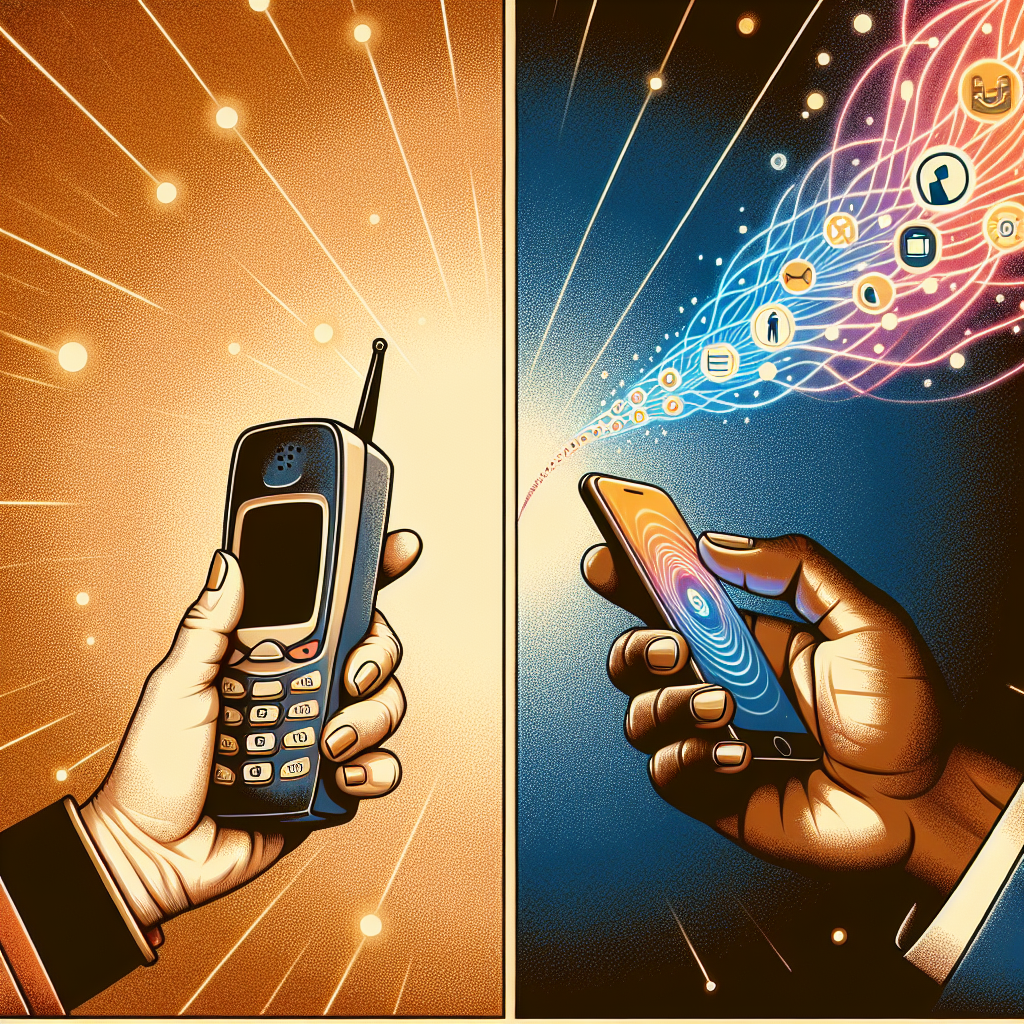
How to Transition from an Old Mobile Phone to a New One
Switching to a new mobile phone can be both an exciting and daunting task. The thrill of exploring new features and improved technology is often tempered by the anxiety of transferring data and ensuring nothing is lost in the process. Fear not! With proper guidance, transitioning from your trusty old device to a shiny new one can be seamless and stress-free. In this guide, we’ll walk you through each step for a smooth transition.
Back Up Your Old Phone
Before you even think about powering up your new device, it’s crucial to back up the data from your old phone. This ensures that your contacts, photos, apps, and settings are safely stored and can be transferred without a hitch.

For iPhone users, Apple provides iCloud as a reliable backup solution. Simply go to Settings > [Your Name] > iCloud > iCloud Backup, and tap on Back Up Now. Ensure you are connected to Wi-Fi for a smooth backup process.
Android users can use Google Drive for backup. Navigate to Settings > Accounts > Google, then select your Google account and check the items you want to sync. Additionally, use the Backup & reset option in settings to back up app data, Wi-Fi passwords, and more.
Transfer Your Data to the New Phone
With your data safely backed up, it’s time to transfer it to your new phone. Most modern smartphones offer intuitive transfer options that make this process straightforward.
If you’re switching from an old iPhone to a new one, Apple’s Quick Start feature is a lifesaver. Simply place your new phone near the old one, and follow the on-screen instructions to transfer your data wirelessly.
For Android users, Google’s Copy apps & data feature during the setup process will guide you through connecting the two devices and transferring your files. Alternatively, apps like Samsung Smart Switch or OnePlus Switch can facilitate this process if you’re moving between different Android brands.
Set Up Your New Phone
With your data now on your new device, it’s time to set it up according to your preferences. Begin by customizing your settings—connect to Wi-Fi, adjust sound and display settings, and set up any biometric security features like fingerprint or facial recognition.
Next, re-download any apps you frequently use if they didn’t transfer automatically. Log into your accounts, and don’t forget to check that all your contacts, photos, and calendar events are intact. This is also an excellent opportunity to do a digital declutter—delete unused apps and organize your home screen.
Secure Your New Device
Ensuring your new phone is secure is paramount. Start by setting a strong password or PIN, and enable biometric security if available. Ensure that Find My Device or Find My iPhone is activated to help locate your phone if it gets lost.
Install any necessary security updates, and consider downloading a reputable antivirus app to protect against malware. Regular backups are also crucial, so set your phone to automatically back up data to the cloud periodically.
Familiarize Yourself with New Features
Every new phone comes with its own set of features and improvements. Take the time to explore what your new device offers. Whether it’s a better camera, longer battery life, or new software capabilities, familiarize yourself with these features to make the most out of your purchase.
Tutorials and user guides available online can be immensely helpful. Joining forums or communities related to your phone model can also provide useful tips and tricks from fellow users.
Dispose of Your Old Phone Responsibly
Once your new phone is fully operational, it’s time to decide what to do with your old device. Consider recycling it or donating it to a charity. Many manufacturers offer trade-in programs that provide a discount on future purchases in exchange for your old phone.
Before parting with your old device, make sure to perform a factory reset to erase all personal data. This will protect your privacy and ensure that no sensitive information remains on the device.
Conclusion
Transitioning to a new mobile phone doesn’t have to be a stressful experience. By following these steps, you can ensure a smooth, secure, and efficient switch. Backing up your data, carefully setting up your new device, and responsibly disposing of your old phone are all part of the process. Embrace the change and enjoy the enhanced features and capabilities your new smartphone brings to the table. Happy upgrading!