
How to Personalize Your Mobile Phone Experience
In today’s fast-paced digital world, our mobile phones have become extensions of ourselves. From managing daily tasks to staying connected with loved ones, our smartphones are indispensable tools. But did you know you can tailor your mobile experience to better suit your unique needs and preferences? In this guide, we’ll explore various ways to personalize your mobile phone experience, making it truly your own.
Why Personalization Matters
Personalizing your mobile phone isn’t just about aesthetics. It’s about enhancing functionality, improving productivity, and ensuring your device works for you, not the other way around. When your phone is customized to your lifestyle, it becomes more intuitive and enjoyable to use.
Choose the Right Operating System
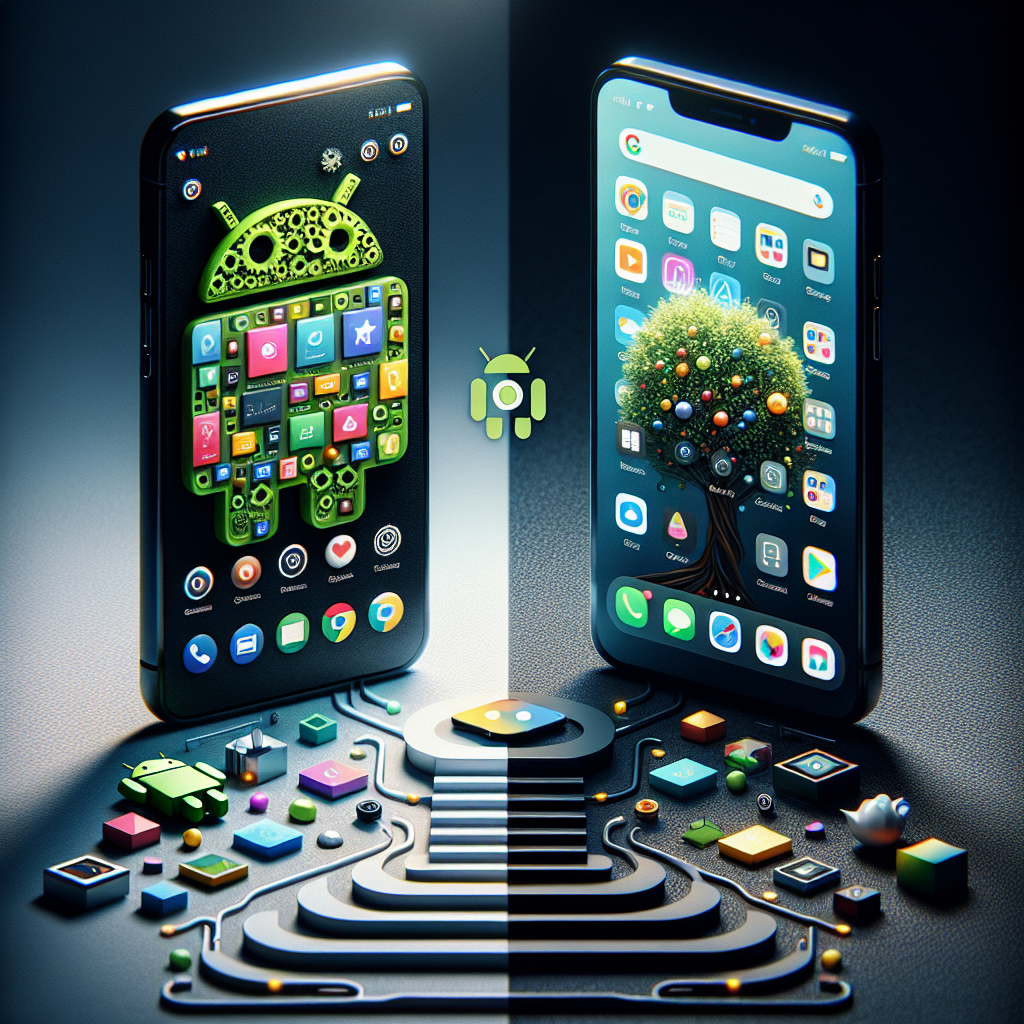
The first step in personalizing your mobile device is choosing the right operating system. Android and iOS are the most popular, each offering unique features. Android provides more flexibility in customization, allowing for widgets, custom launchers, and deeper access to system settings. iOS, on the other hand, offers a sleek, seamless experience with consistent updates and a robust app ecosystem. Consider what matters most to you when selecting your OS.
Customize Your Home Screen
Your home screen is the first thing you see when you unlock your phone, so make it a reflection of your personality. Both Android and iOS allow you to change the wallpaper and organize apps, but Android takes it a step further with widgets and custom launchers. Widgets can display real-time information, such as weather forecasts or calendar events, directly on your home screen. Meanwhile, custom launchers can completely change the look and feel of your device.
Organize Your Apps
With the sheer number of apps available, it’s easy for your home screen to become cluttered. Organize your apps into folders by category, such as social media, productivity, or entertainment. This not only tidies up your screen but also makes it easier to find what you need quickly. On Android, you can even hide unused apps from the app drawer to maintain a clean interface.
Set Up Custom Notifications
Notifications are crucial for staying informed, but they can also be overwhelming. Customize notification settings to prioritize what’s important. Both Android and iOS allow you to adjust notification preferences on a per-app basis. You can choose which apps can send you alerts, set different notification sounds, and even customize vibration patterns for specific contacts. This ensures you only receive notifications that truly matter.
Utilize Accessibility Features
Accessibility features are designed to make your phone easier to use, regardless of your physical needs. Explore options like voice control, screen readers, or color inversion. Even if you don’t have specific accessibility needs, these features can enhance your mobile experience. For instance, voice control can be a boon when your hands are full, and screen magnification can reduce eye strain.
Enhance Your Device with Apps
Apps are the heart of your mobile experience. While the app store is brimming with options, focus on those that enhance productivity, creativity, or relaxation. Meditation apps, language learning platforms, and fitness trackers can add immense value to your daily routine. Experiment with different apps to find what best fits your lifestyle and goals.
Protect Your Privacy
As our devices store more personal data, safeguarding privacy becomes paramount. Customize privacy settings to control what information is shared and with whom. Review app permissions regularly and disable those that seem unnecessary. Both Android and iOS provide options to limit ad tracking, ensuring a more private browsing experience.
Experiment with Themes and Fonts
Express your style by changing themes and fonts. Android users can take advantage of custom themes that alter the color scheme and icon style across the device. While iOS is more limited in this respect, you can still adjust text size and style under accessibility settings. Small changes like these can make your phone feel fresh and new.
Conclusion
Personalizing your mobile phone experience is more than just a fun exercise—it’s a way to make your device work better for you. By tailoring your phone to your preferences, you can enhance productivity, improve usability, and enjoy a more seamless connection with your digital world. Whether you’re a tech enthusiast or a casual user, these tips will help you create a mobile experience that’s uniquely yours. So go ahead, dive into your settings, and start customizing!